How to sell on Amazon as a Takealot seller

How to sell on Amazon as a Takealot seller
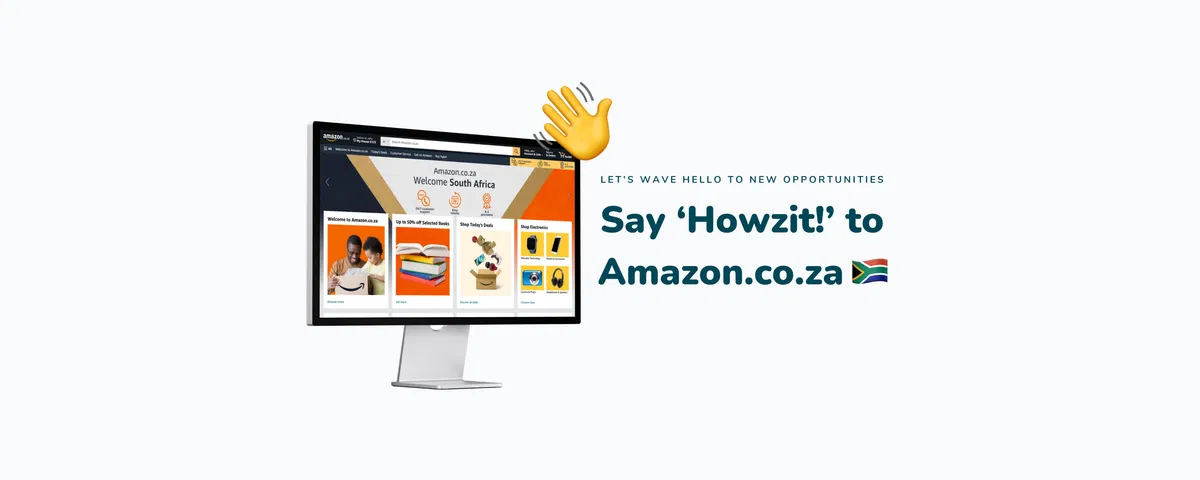
As almost everybody has noticed, Amazon.co.za has finally launched. Despite the ‘soft’ launch approach, we’ve already seen customers start shipping orders and making sales - things are happening!
 
Not to worry, we’ve been hard at work over the last few months making sure that you are able to take advantage of the Amazon launch.
How to sell on Amazon as a Takealot seller
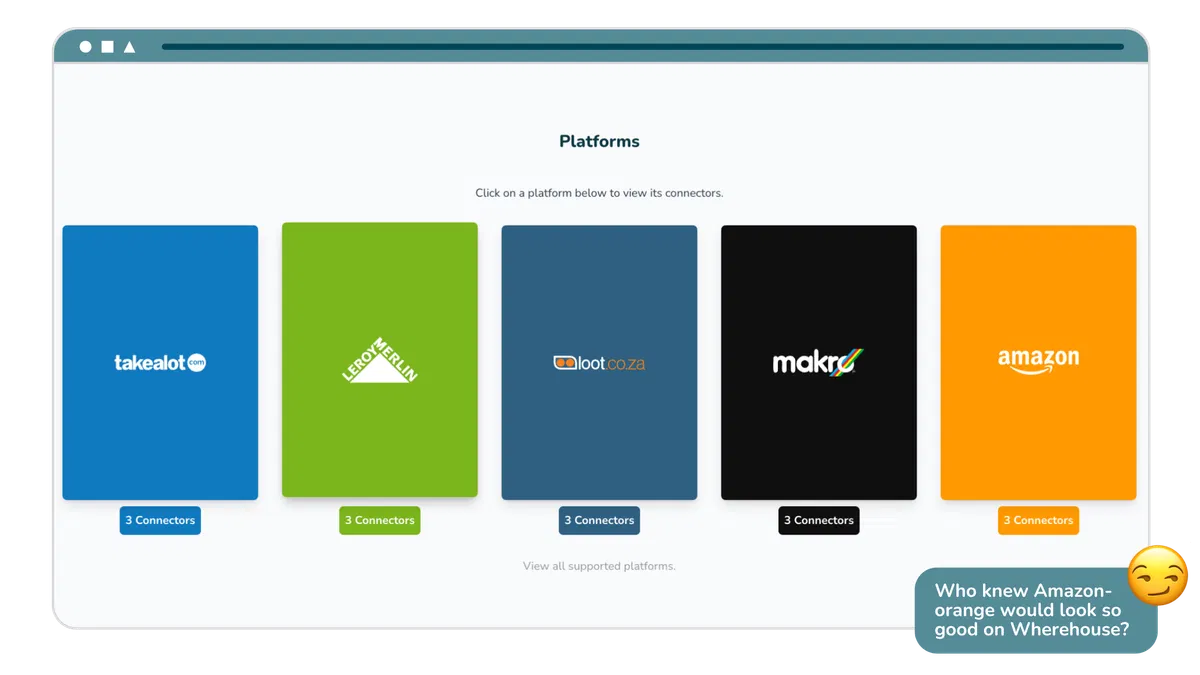
The same functionality you’ve come to enjoy with other marketplaces is now going to be supported with our Amazon integration.

 
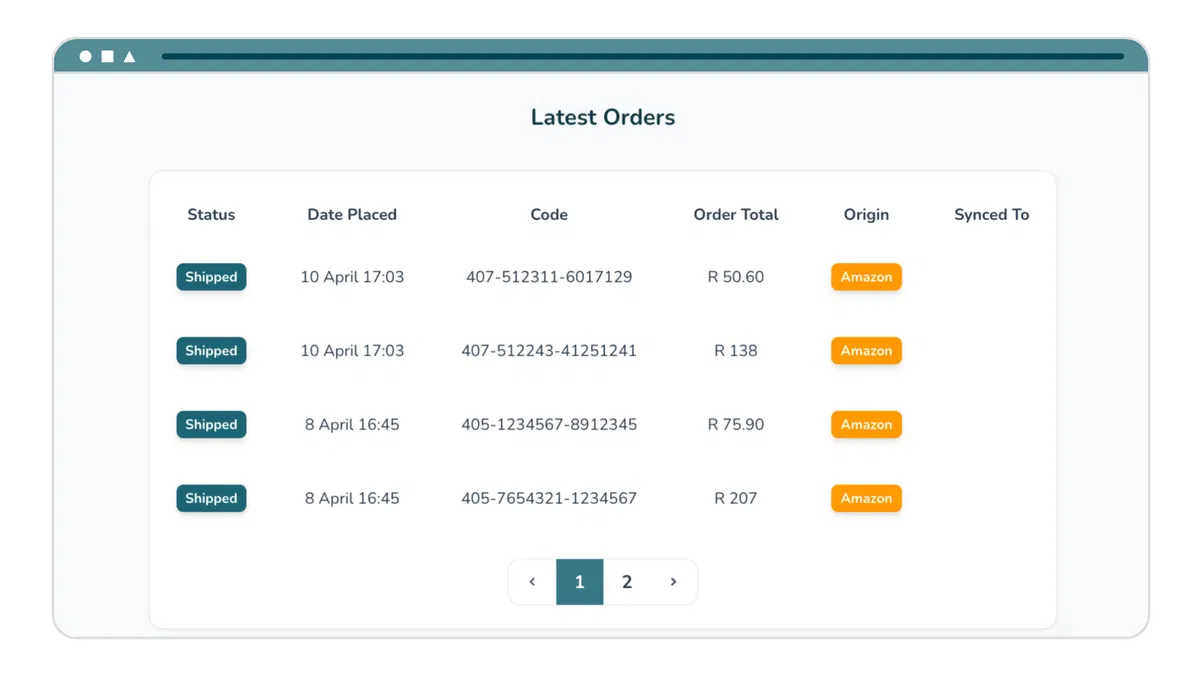
1️⃣ Order syncing
Orders are ingested into Wherehouse.
How to sell on Amazon as a Takealot seller
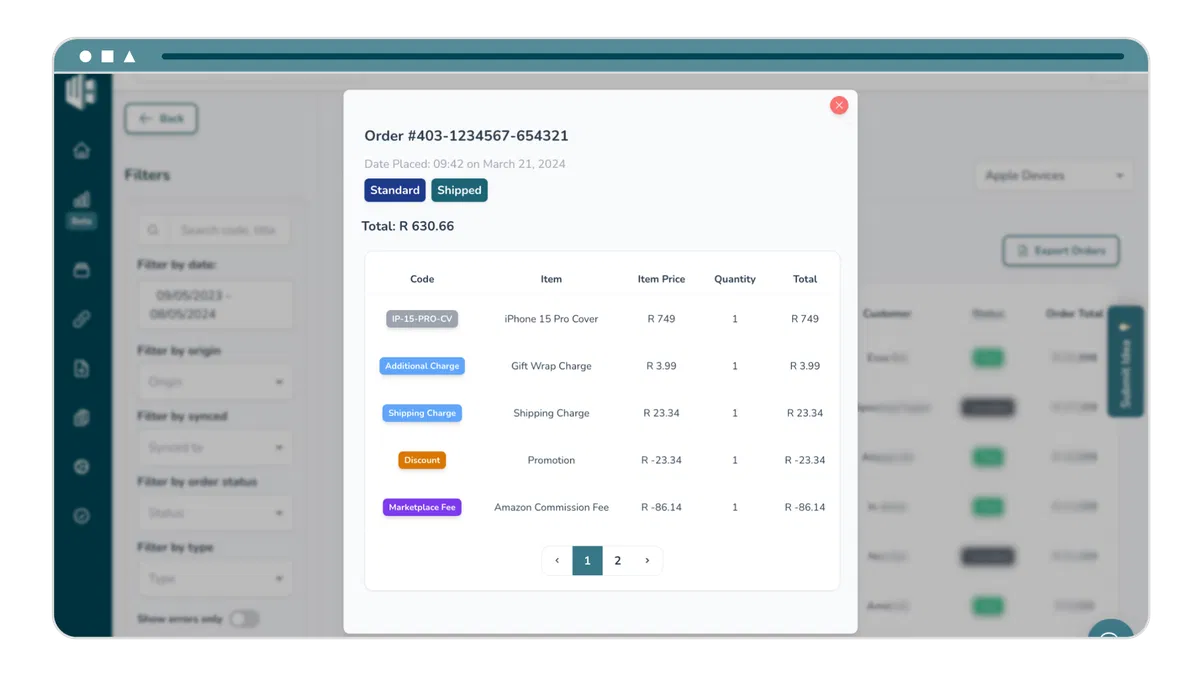
2️⃣ Accounting automation
Our integration can ingest the marketplace fees and promotions applied.
How to sell on Amazon as a Takealot seller
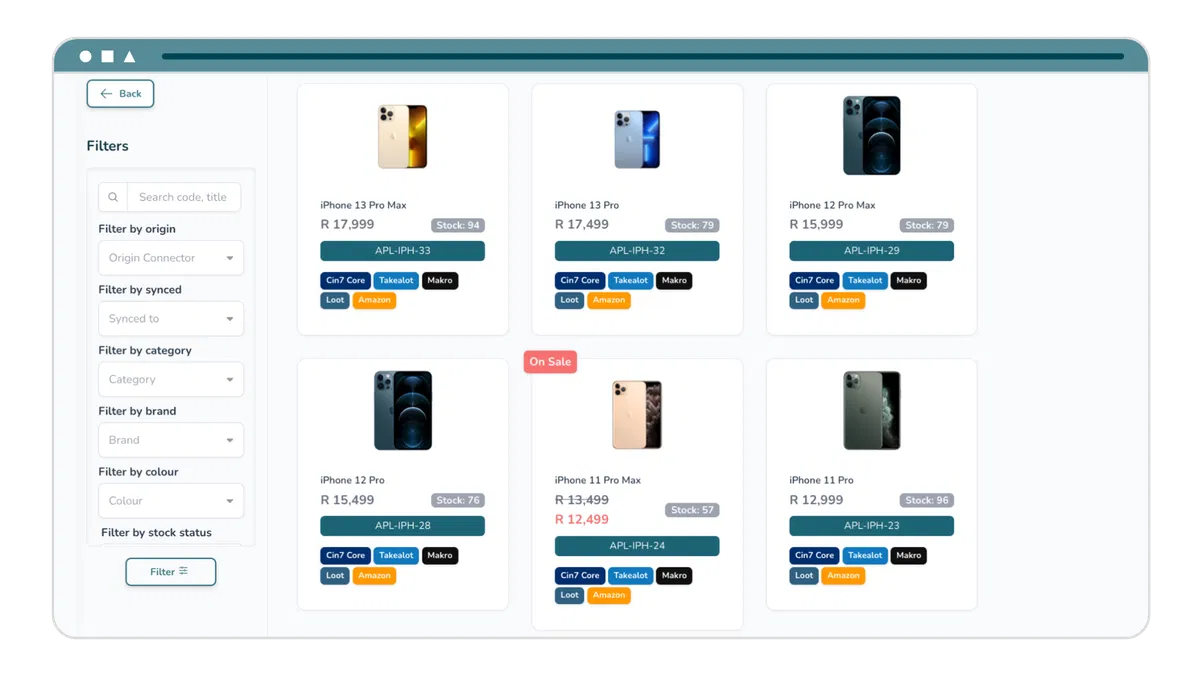
3️⃣ Stock & Pricing automation
Product stock & pricing is synced to Amazon.
How to sell on Amazon as a Takealot seller
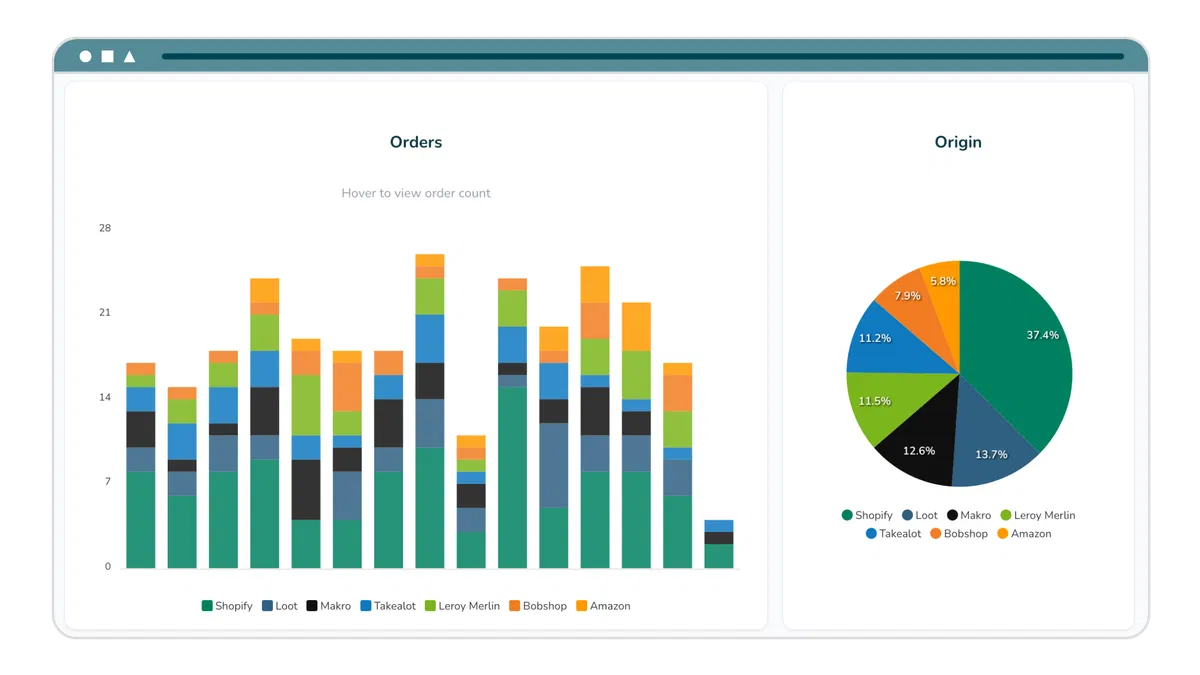
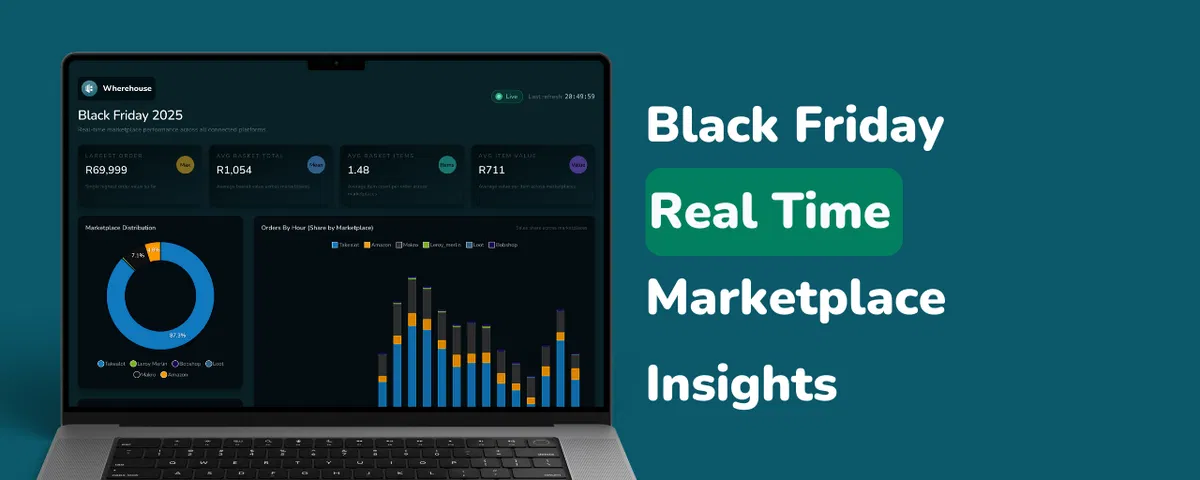
4️⃣ Analytics
Gain insights into your Amazon performance alongside your other platforms with our cross-platform analytics.
How to sell on Amazon as a Takealot seller
 
How to sell on Amazon as a Takealot seller
Here’s what you need to do to get started:
  1. Set up your Amazon account: If you haven't already, create your Amazon seller account here
  1. Get your products listed: Start listing your products and offers on Amazon
  1. Get in touch with us: Once you’re ready, reach out to our team to set up your integration

Written by

Christi Joubert
Christi Joubert

Head of Operations at wherehouse.co.za